
Kitetag Taps to Trigger Your Zaps
Trigger your Zapier automation when your Kitetag is tapped.
Watch a Quick Video
Kitetags can connect to over 8,000 Zapier integrations, from Google Sheets to Slack — with no coding required

Enabling Kitetags with Zapier
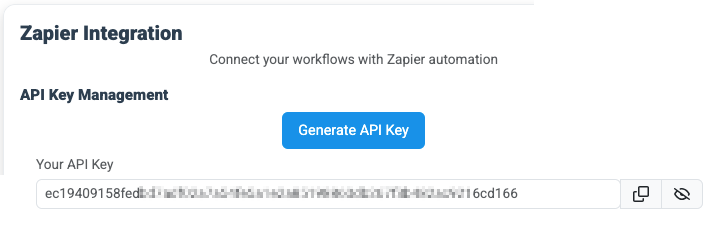
Generate API Key
Log into your Kitetags account and generate the API key to be used when connecting your Kitetags to a Zapier account (Sign up on Zapier if you haven't already).
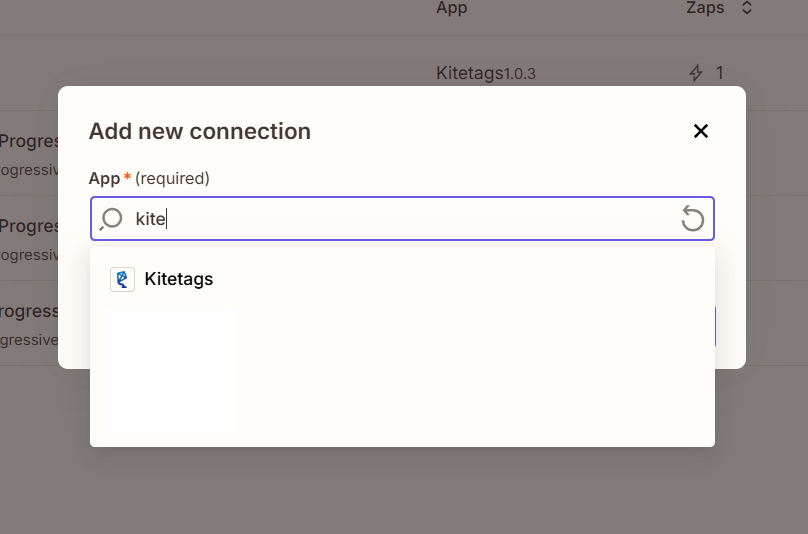
Add Kitetags As a New Connection
Search for Kitetags when adding a new connection in Zapier and then click “+ Add Account.”
Provide your API key which securely connects Zapier to your Kitetags account. You can now connect to 8000+ integrations and build powerful automations for your organization.
Set Up Triggers
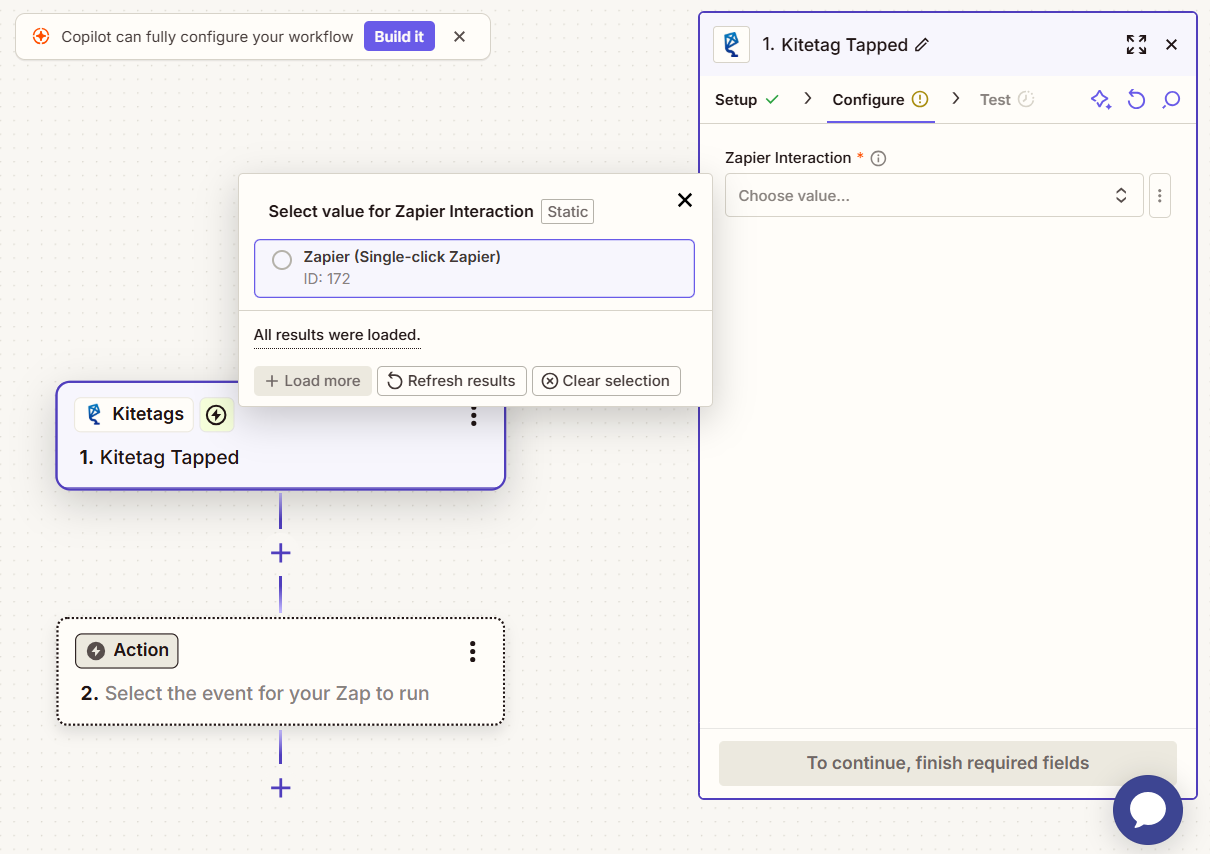
Choose the "Kitetag Tapped" trigger event as the start of your Zap. If you've connected your Kitetags account, you can see all your available Kitetag Interactions and choose one from the dropdown. Once the trigger is set up, you can use Kitetags data in your following actions.
Tapping a Kitetag Triggers Endless Possibilities

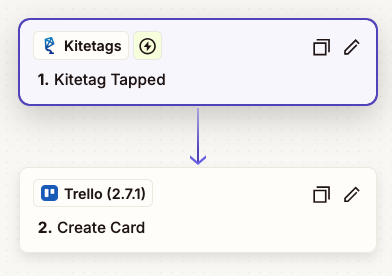
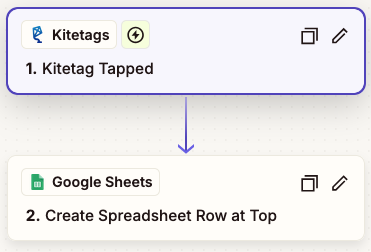
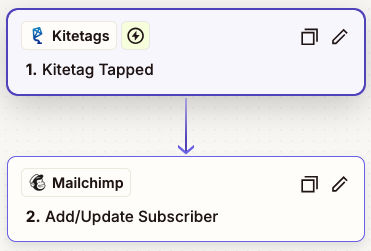
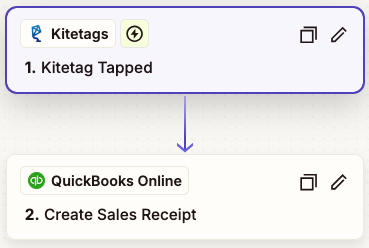
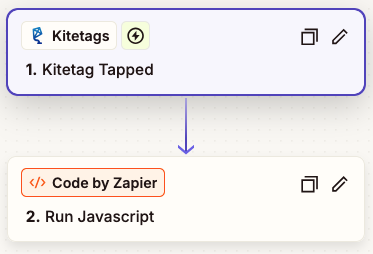
choose any action available from the 8000+ integrations on Zapier
Integrate with Thousands of Zapier Apps







Bridge Your Physical & Digital Workflows

Sales & Marketing
Tap a tag at an event → instantly add contact to HubSpot CRM.

Networking
Tap → send a follow-up email or Slack notification.

Office Automation
Tap → trigger a smart device or send a request via Zapier to internal tools.

Analytics
Record each NFC tap as a lead or conversion event in Google Analytics or Notion.
Kitetags Make It Easy

No Code Needed
Set up automations in minutes, not sprint cycles.

Instant Triggers
Every tap fires a real-time event.

Editable
Modify Kitetag Interactions in your account.

Scalable
Manage hundreds of Kitetags through a single account.

Flexible
Connect to CRMs, accounting systems, and other popular business SaaS applications.