
Share Your Contact Info with a Single Tap
When someone taps your Kitetag, it triggers a Zapier workflow — sending data, alerts, or updates to your online apps.
Watch a Quick Video
Keep your contact information always up-to-date — change your details anytime without reprinting business cards
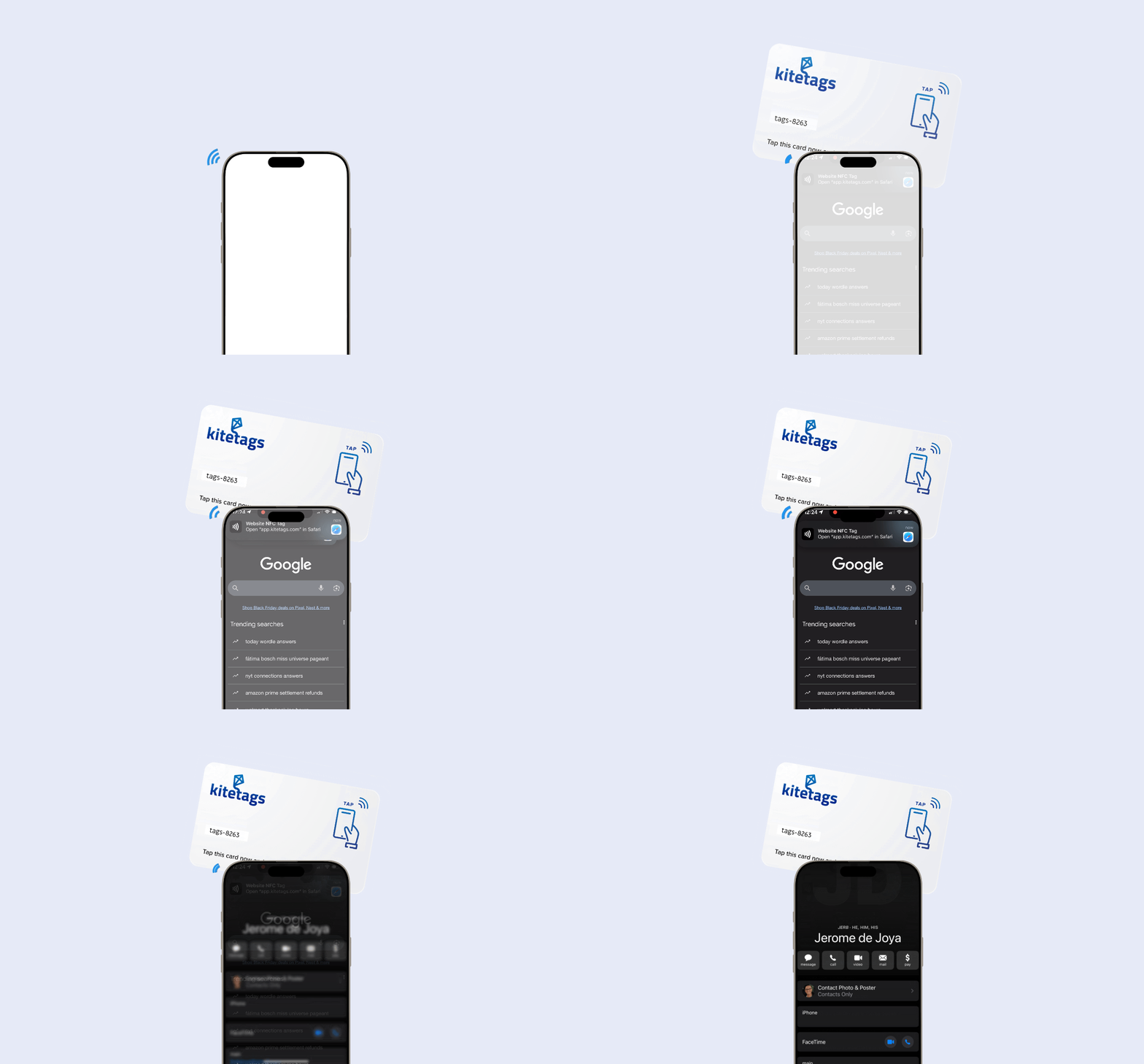
How Kitetags Works with Zapier
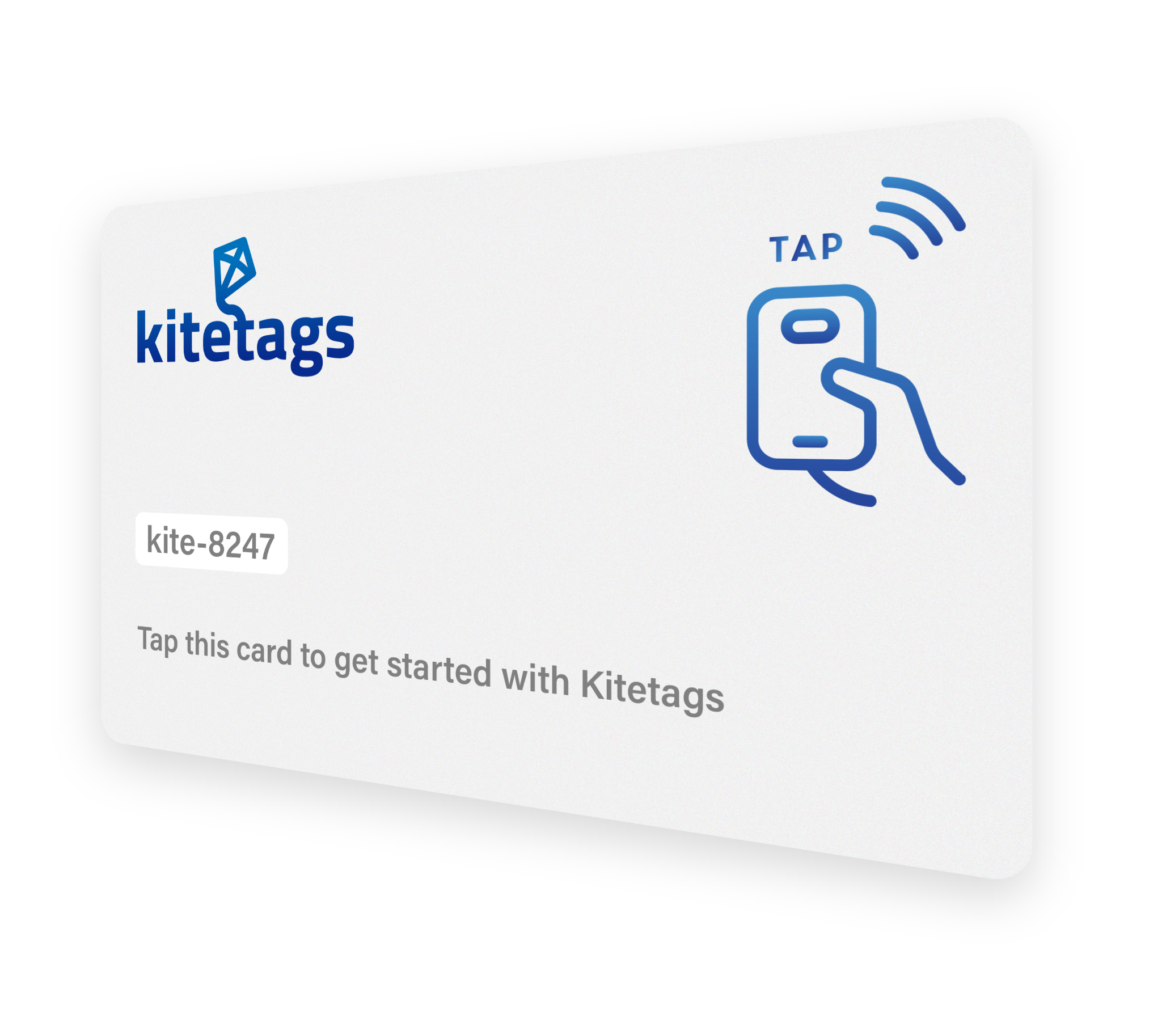
Claim Your Free Kitetag
Start by claiming your free KiteTag to get access to your personal tracking dashboard.
Once registered, you can create and customize your digital vCard with all your professional contact information — name, title, phone, email, website, social profiles, and more.

Build Your Digital vCard
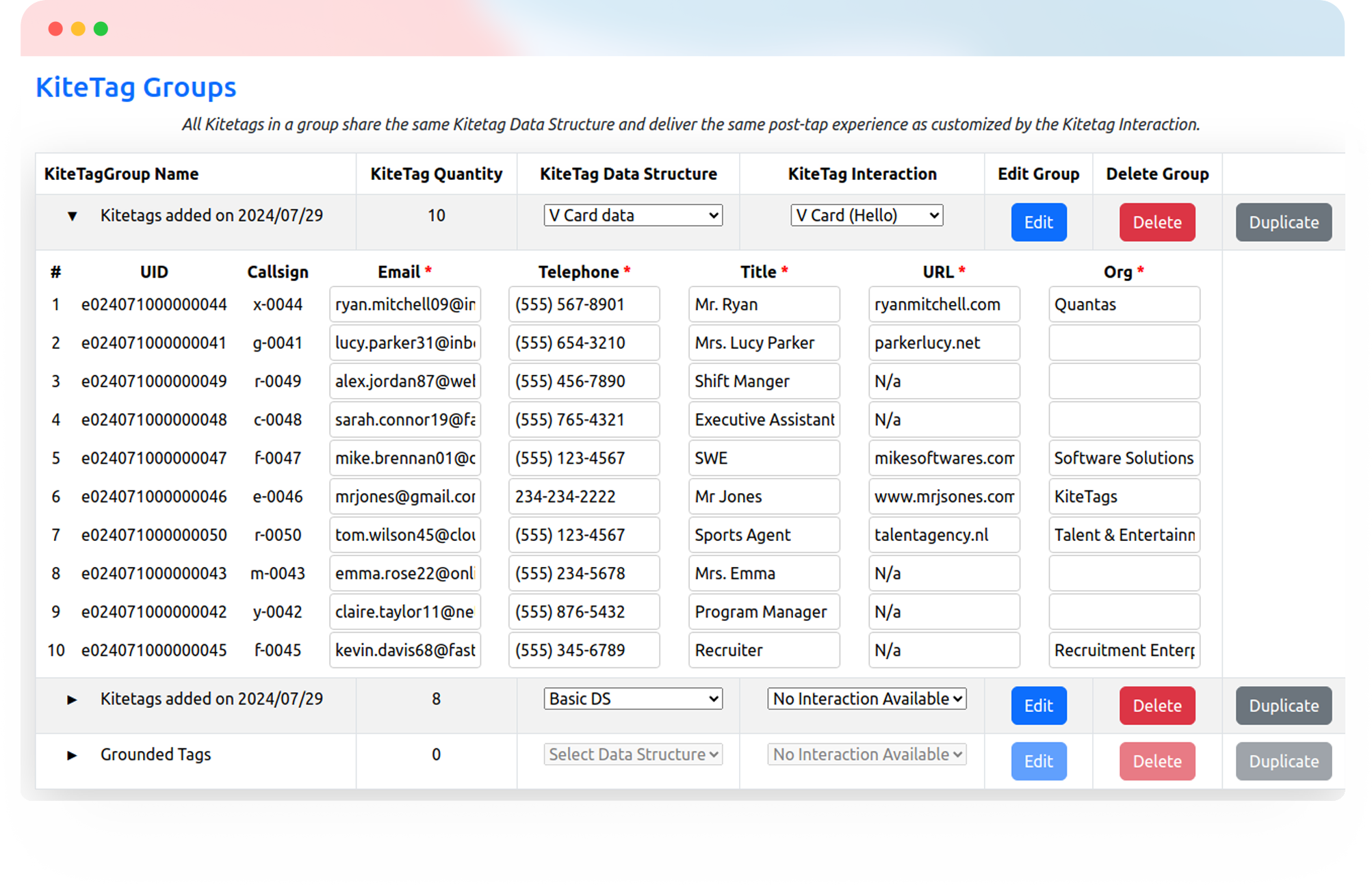
In your Kitetag dashboard, fill in your contact details using our simple form.
Add your name, company, job title, phone number, email address, website, LinkedIn profile, and any other information you want to share. You can even include a profile photo and company logo to make your vCard more professional and memorable.
Preview how it will appear on different devices before activating
Embed in Your Kitetag
Once your vCard is ready, assign it to your Kitetag with a single click.
You can attach your Kitetag to business cards, name badges, desk signs, email signatures, or anywhere you want to make sharing contact information effortless.
Each tap delivers your complete, professionally formatted contact details directly to the recipient's phone.
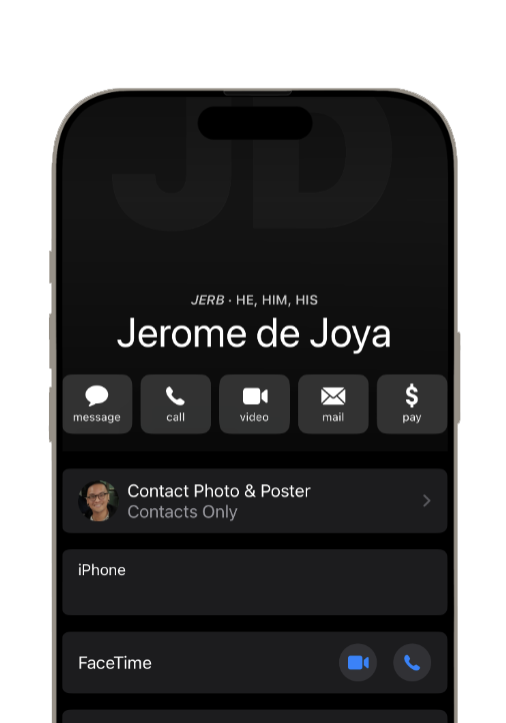
Watch the Automation Happen
Changed jobs? New phone number? Updated LinkedIn profile? Simply log into your dashboard and update your vCard information.
The changes take effect immediately — no need to reprint business cards or replace your Kitetag. Everyone who taps your tag from that moment forward gets your latest information.

Works Seamlessly With All Contact Apps



Make Every Introduction Effortless and Professional

Sales & Business Development
Tap your business card → instantly share contact info and LinkedIn profile with prospects.

Networking & Events
Tap your conference badge → exchange contact details in seconds, even in crowded rooms

Real Estate & Professional Services
Make it effortless for clients to save your information and reach out when they're ready.

Team & Office Environments
Streamline onboarding and make it easy for colleagues to connect across departments
Kitetags Make Networking Seamless

Always Current
Update your info anytime — your vCard stays accurate without reprinting.

Professional Presentation
Include photos, logos, and social profiles for a polished first impression.
Zero Friction
Recipients save your contact in seconds — no typing or errors.

Universal Compatibility
Works with all smartphones and contact management apps.

Eco-Friendly
Reduce paper waste by replacing traditional business cards with reusable tags.